What Happens to Your Data When You Sell Your Phone?
October 4, 2026
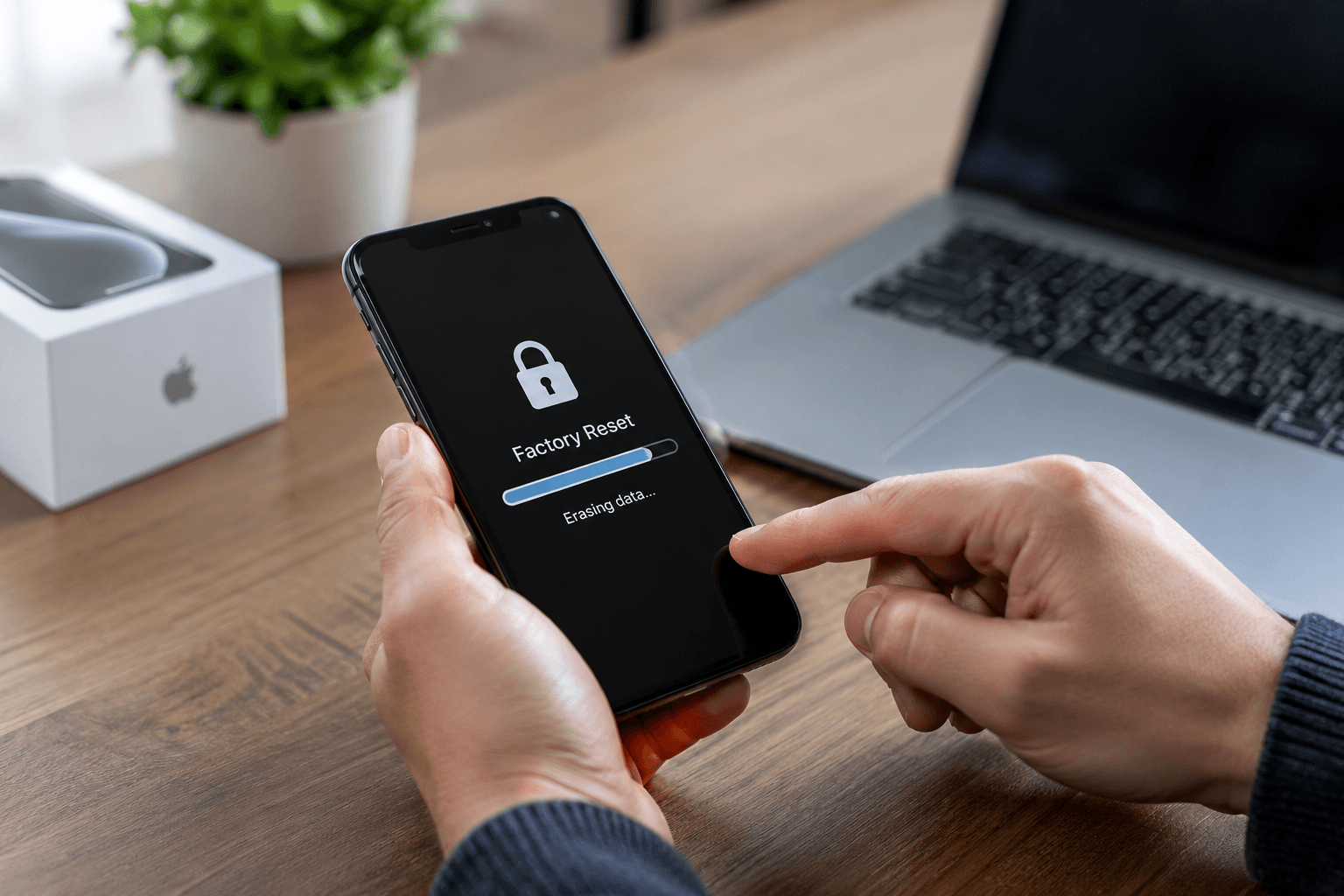
Selling your phone feels simple enough. You hand it over, get paid, and walk out. But what actually happens to the personal data still sitting on that device?
Your phone knows more about you than most people realise. Passwords, banking apps, private photos, saved login details, work emails, and years of messages are all stored on the device you are about to sell. Understanding what happens to that data, and what you need to do before you sell, is not optional. It is essential.
The Risk Most People Do Not Know About
Here is something that surprises most sellers. Deleting files and performing a factory reset does not always permanently erase your data.
When you delete something on your phone, the operating system marks that space as available for reuse. The actual data stays in storage until something overwrites it. On older Android devices running version 5.x or below, a standard factory reset is not sufficient to make your data unrecoverable because storage encryption was not automatic on those devices.
Research published by data security firm Ritridata confirms that the safety of a factory reset depends almost entirely on whether your phone encrypts data by default. All modern iPhones and recent Android devices do encrypt by default, which makes a proper reset effective. Older devices are a different story.
What Your Phone Actually Contains
Your smartphone is essentially a vault of personal and financial information. Before selling any phone, it helps to understand exactly what is at stake.
Saved passwords and login credentials for banking, email, and social media apps often persist in device memory even after a reset on unencrypted devices. Photos and videos, including ones you thought you deleted months ago, can remain in backup folders and cache files. Payment information stored in digital wallets, shopping apps, and browser autofill can be accessed by someone with basic recovery software. Work emails, confidential documents, and business contacts are also common data types that survive inadequate wipes.
The risk is real. Studies on secondhand devices have found that up to 40% of phones bought on the secondary market still contain recoverable personal data from the previous owner. That data can be used for identity theft, financial fraud, and account takeovers.
What Happens to Your Data at a Trusted Buyback Store
This is where the process varies significantly depending on where you sell.
When you sell your phone at a reputable local buyback store like BuyBackX in Huntington Station, your device goes through a certified professional data wipe before it is resold to any new owner. This is not a standard factory reset. It is a multi-step sanitisation process using certified wiping software that overwrites storage and verifies data removal at a technical level.
Every device BuyBackX purchases is professionally wiped on-site before it is tested, graded, and resold as a certified pre-owned device. Your personal information is completely removed before the device leaves the hands of BuyBackX staff. No client data is ever shared, resold, or passed on.
This process gives you two layers of protection. Your own reset before you bring the device in, and BuyBackX's certified data wipe after purchase.
What Happens to Your Data If You Sell Through Other Channels
Not every selling option handles data the same way. Here is what the research shows.
Online Marketplaces
When you sell directly to a private buyer through an online marketplace, data handling depends entirely on you. The buyer receives the device in whatever state you left it. If you did not properly reset the phone, the new owner has full access to whatever remains on the device. There is no professional data wipe, no verification, and no protection after the transaction closes.
Carrier Trade-In Programs
Carrier trade-in programs like those offered by major networks typically instruct sellers to perform their own factory reset before submitting the device. The carrier's handling of data after receipt varies and is rarely documented in detail for customers. Research from SmartphonesPLUS notes that the risk of carriers failing to delete data during trade-in processing is higher than most people expect.
Manufacturer Trade-In Programs
Apple's own trade-in program, Apple Trade In, requires sellers to sign out of iCloud and disable Activation Lock before the device is accepted. Apple verifies this status before processing continues. Their official guidance on what to do before you sell, give away, or trade in your iPhone or iPad outlines every required step. However, data handling after the device leaves your hands relies on Apple's internal processes, which are not independently audited for individual transactions.
Reputable Local Buyback Stores
This is the strongest option for data security alongside your own preparation steps. The evaluation, the data wipe, and the resale all happen in one controlled environment. You can ask exactly what process is followed before you hand over the device. BuyBackX uses certified wiping software on every device purchased and performs the wipe on-site, not at a remote facility.
What You Must Do Before Selling Your Phone
Even if you are selling to the most reputable buyer available, these steps protect your personal data completely before the device leaves your hands.
Step 1: Back up everything you want to keep. Go to Settings and sync to iCloud for iPhone or Google Drive for Android. Connect to a computer if you prefer a local backup. Do this before anything else. Once you erase the device, anything not backed up is gone permanently.
Step 2: Sign out of all accounts. For iPhones, go to Settings, tap your name, and tap Sign Out. This removes your Apple ID and disables Find My iPhone. A phone still linked to an Apple ID is iCloud locked and cannot be processed by any buyer. For Android, go to Settings, Accounts, and remove your Google account. Skipping this step is the single most common reason a sale is delayed or a device gets declined.
Step 3: Remove your SIM card. If your phone has a physical SIM slot, take the card out before handing the device over. Your SIM contains carrier data and should go into your next phone, not with the one you are selling.
Step 4: Remove any external storage. If your Android phone has an SD card, remove it separately. Format the SD card using a computer if you plan to use it in a new device, or keep it for your own records.
Step 5: Factory reset the device. For iPhone, go to Settings, General, Transfer or Reset iPhone, then Erase All Content and Settings. For Android, go to Settings, General Management, Reset, then Factory Data Reset. This step combined with your signed-out iCloud or Google account makes the device clean and ready for the next owner.
Step 6: Verify the reset completed. After a reset, the phone should boot to the initial setup screen as if it is brand new. If it shows your lock screen, wallpaper, or any of your apps, the reset did not complete properly. Try again before handing the device over.
What Happens to the Phone After You Sell It
Once a device passes through the buyback process, it follows one of three paths depending on its condition.
Devices in good or fair working condition are professionally refurbished, tested against standardised performance criteria, certified as pre-owned, and resold. At BuyBackX, every certified pre-owned device sold comes with a 12-month limited warranty and a 30-day return policy.
Devices that cannot be refurbished or resold because of significant damage go through a controlled part recovery process. Working components including cameras, processors, screens, and memory chips are extracted and used in refurbishment of other devices. This extends the useful life of electronics and reduces manufacturing demand for new components.
Devices that have no resale or refurbishment value are responsibly recycled through certified e-waste processes. The precious metals and rare earth elements inside modern smartphones, including gold, silver, and palladium in circuit boards, are recovered and reused in new manufacturing. This is significantly better for the environment than sending devices to landfill.
Does a Factory Reset Actually Delete Everything?
This is the question most guides avoid answering directly. The honest answer depends on your device.
On all modern iPhones running iOS 8 or later, storage is encrypted by default. When you perform a factory reset, the encryption key is destroyed. This makes any remaining data on the device completely unreadable, even with professional recovery software. An iPhone that has been properly reset is effectively clean.
On Android devices running version 6.0 or later, full device encryption is also applied by default. A factory reset on these devices destroys the encryption key and renders data unrecoverable in the same way. For Android devices running version 5.x or below, manual encryption is required before the reset to achieve the same result.
If you are unsure whether your device is encrypted, check Settings, Security, or Encryption depending on your Android version. If encryption is not active, enable it before performing your factory reset.
Frequently Asked Questions
Is my data safe when I sell my phone to BuyBackX?
Yes. Every device purchased at BuyBackX goes through a certified professional data wipe using specialist software before it is resold. We also recommend signing out of your accounts and performing a factory reset before you bring the device in. Doing both steps gives you complete protection at every stage.
What happens if I forget to sign out of iCloud before selling?
A phone still linked to your Apple ID is iCloud locked and cannot be processed by any buyer. BuyBackX cannot purchase or resell a device in this state. Sign out of iCloud in Settings before your visit. If you need help with this step, call us at +1 (929) 218-5560 and our team will walk you through it.
Can someone recover my data after a factory reset?
On modern encrypted devices, including all iPhones from iOS 8 onward and Android devices from version 6.0 onward, a factory reset destroys the encryption key and makes data unrecoverable. On older unencrypted Android devices, a factory reset alone may not be sufficient. Manual encryption before the reset solves this.
What happens to my photos when I sell my phone?
If you back up to iCloud or Google Photos before resetting, your photos transfer to your new device or remain in your cloud account. If you reset without backing up, the photos are gone permanently. Always back up before resetting.
Does a reputable buyback store do anything with my data?
At BuyBackX, every device is professionally data-wiped using certified software after purchase and before resale. Your data is never accessed, shared, or retained. The device is treated as factory-new from a data perspective before it reaches any new owner.
Should I remove my SIM card before selling my phone?
Yes. Remove your SIM before handing over any phone. Your SIM is linked to your carrier account and should go into your next device. Leaving it in the phone you are selling is both a security risk and an unnecessary one.
What happens to phones that cannot be resold?
Phones that cannot be refurbished are broken down for parts or sent through certified e-waste recycling. Precious metals and working components are recovered responsibly. No device processed by BuyBackX ends up in a landfill.
Your Data Is Your Responsibility — Until You Take These Steps
Selling a phone is not just a financial decision. It is a privacy decision. The steps above take less than fifteen minutes and give you complete confidence that your personal information leaves with you, not with the device.
Back up, sign out, remove your SIM, factory reset, and verify. Then bring your phone into BuyBackX in Huntington Station for a certified data wipe and a fair cash offer on the spot.
📍 275 Walt Whitman Rd, Store 2, Huntington Station, NY 11746 📞 +1 (929) 218-5560 🕐 Mon to Fri: 10AM to 6PM | Sat: 11AM to 4PM | Sun: Closed